


Solitaire
4.7670.00 Reviews
App Specs
- Version
- 1.38.0
- Updated On
- License
- Free
- Downloads
- 1,000,000+
- Developer
- LinkDesks Classic Puzzle Games
- Categories
- Card
- Platform
- Android
Screenshots
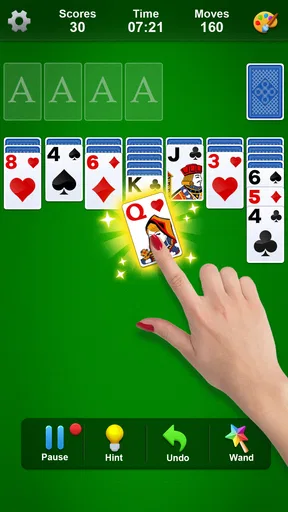
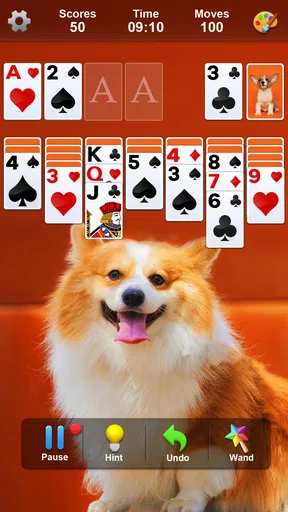

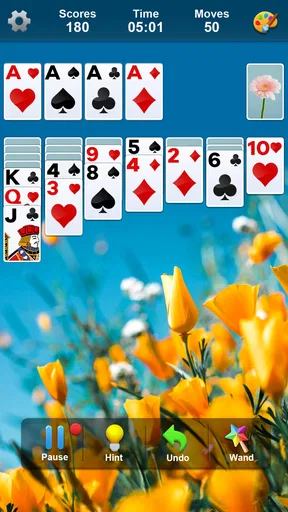
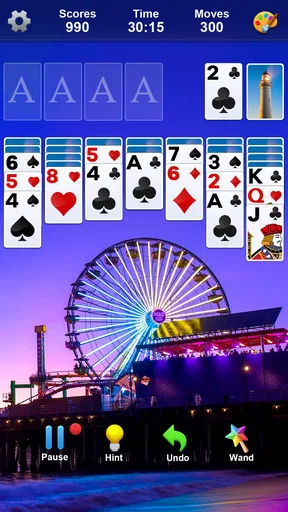
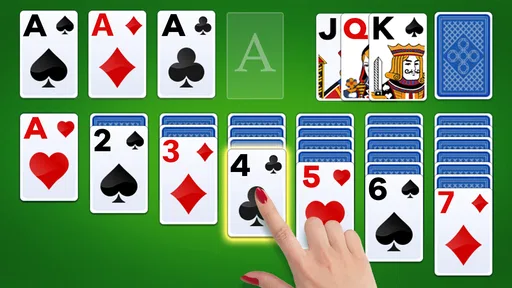
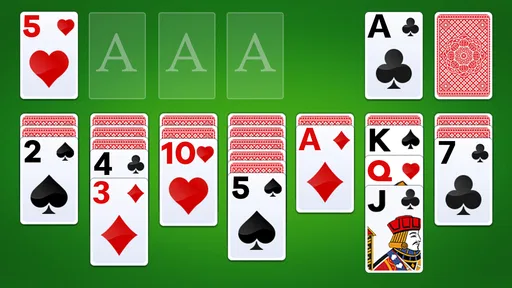
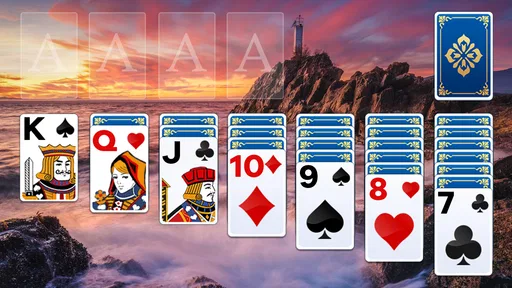
 Analysis by AppCompare
When it comes to classic card games, few have stood the test of time quite like Solitaire. It's the kind of game that seems to have been around forever, a staple on computers for as long as many of us can remember. But how does this digital version stack up on mobile devices? I decided to dig in and find out.
Getting Started with Solitaire
Jumping into Solitaire is like meeting an old friend. The interface is clean and straightforward, making it easy for both newbies and seasoned players to dive right in. As soon as you open the app, you're greeted with a deck of cards laid out in the familiar format. The nostalgic design immediately took me back to simpler times, and I couldn't help but smile.
The app offers various modes that breathe new life into the classic game. You've got the standard draw-one-card mode, perfect for when you want a relaxed game. Then there's the draw-three-cards mode, which adds a bit more challenge for those looking to test their skills. It's awesome to have these options because they cater to different moods and levels of expertise.
Features that Stand Out
What truly caught my attention were the nifty features that make this app more than just a digital deck of cards. First off, the daily challenges are a great way to keep things fresh. Each day presents a new puzzle to solve, which keeps me coming back for more. It's like having a little surprise waiting for you every morning.
The app also includes a hint system. This is a lifesaver for those moments when you're stuck and can't see the next move. The hints are subtle enough to nudge you in the right direction without giving too much away. It’s like having a helpful friend whispering in your ear, "Hey, try this!"
And let’s not forget about the customization options. You can change the backdrop and card designs to fit your personal style, which adds a nice personal touch to the game. I found myself switching themes depending on my mood — sometimes I wanted something bright and cheerful, other times something more subdued.
User Experience
The user experience overall is smooth and intuitive. The touch controls are responsive, making it easy to drag and drop cards. A quick tap auto-moves cards to their appropriate spots, which speeds up gameplay significantly. It’s these little quality-of-life improvements that make a big difference.
Worth Reading Before You Choose

EA SPORTS FC Mobile 26 Is a Bigger Football Game, but It Takes Time

Flipboard Shows What News Apps Must Do Beyond the Feed

Switching to Android Auto Means Rethinking Your Driving Routine

Google Calendar Makes a Crowded Week Easier to Manage

Ludo King Makes the Most of the Minutes Between Plans

Baby Panda World Brings Quick Play to Modern Phones, but Its Game Library Feels Busy
One of the best parts? The app is lightweight and doesn't hog your device's resources. It runs seamlessly without any lag or crashes, even on older phones. This is a big plus since nobody likes interruptions right when they're about to complete a game.
Why Solitaire is Still Relevant
So, why does Solitaire continue to be a go-to game for so many people? I think it boils down to its simplicity and the mental challenge it poses. It's a great way to unwind while also keeping your brain engaged. Plus, it’s one of those games you can pick up and play anytime, anywhere — whether you're waiting for your coffee or just need a quick mental break.
In today’s world of flashy graphics and complex gameplay, sometimes it's refreshing to go back to basics. Solitaire provides that perfect balance of relaxation and mental stimulation without overwhelming you with features. It's no wonder it's been a staple for decades.
In conclusion, if you're looking for a classic card game to pass the time and give your brain a workout, this app is definitely worth a download. Whether you're a longtime fan or new to the game, Solitaire on your mobile device is a delightful experience that captures the essence of the original while adding modern convenience. Give it a try and see if you can resist playing just "one more game."
Pros
- Easy to learn and play.
- No internet connection required.
- Customizable card designs.
- Supports multiple game modes.
- Helps improve focus and patience.
Cons
- Limited multiplayer features.
- Ads can be intrusive at times.
- No tutorial for beginners.
- Lacks daily challenges.
- Graphics can seem outdated.
FAQs for Solitaire
What is Solitaire, and how do I play it?
Solitaire is a classic card game involving a single player. The main objective is to arrange all cards in a specific order and suit sequence. Players move cards between columns, building down by alternating colors, and aim to create complete sequences from Ace to King. It's a game of strategy, patience, and skill.
Is Solitaire available offline, or do I need an internet connection?
Most Solitaire apps are available offline, allowing you to enjoy the game without an internet connection. However, some versions may offer online features like leaderboards or daily challenges, which require connectivity to access. Always check the app details to confirm its offline capabilities.
Are there different versions of Solitaire available in the app?
Yes, many Solitaire apps offer various versions such as Klondike, Spider, and FreeCell. Each variant has unique rules and strategies, enhancing replayability and catering to different preferences. Check the app description to see which versions are included and whether they align with your interests.
Does the Solitaire app include ads or in-app purchases?
Many free Solitaire apps include ads, which can be removed with a one-time purchase. Additionally, some apps may offer premium features or cosmetic changes through in-app purchases. It's essential to review the app's monetization strategy to ensure it aligns with your expectations and budget.
How user-friendly is the Solitaire app for beginners?
Most Solitaire apps are designed with user-friendly interfaces, making them accessible for beginners. They often include tutorials, hints, and undo options to help new players learn the game. The app's ease of use can significantly enhance the gaming experience, especially for those new to Solitaire.


